Open Interpreter CLI
A coding agent for the terminal you already use.
Open Interpreter runs in your projects, reads the context you point it at, edits files, runs commands, and lets you stay in control of every meaningful step.
macOS / Linux
curl -fsSL https://openinterpreter.com/install | sh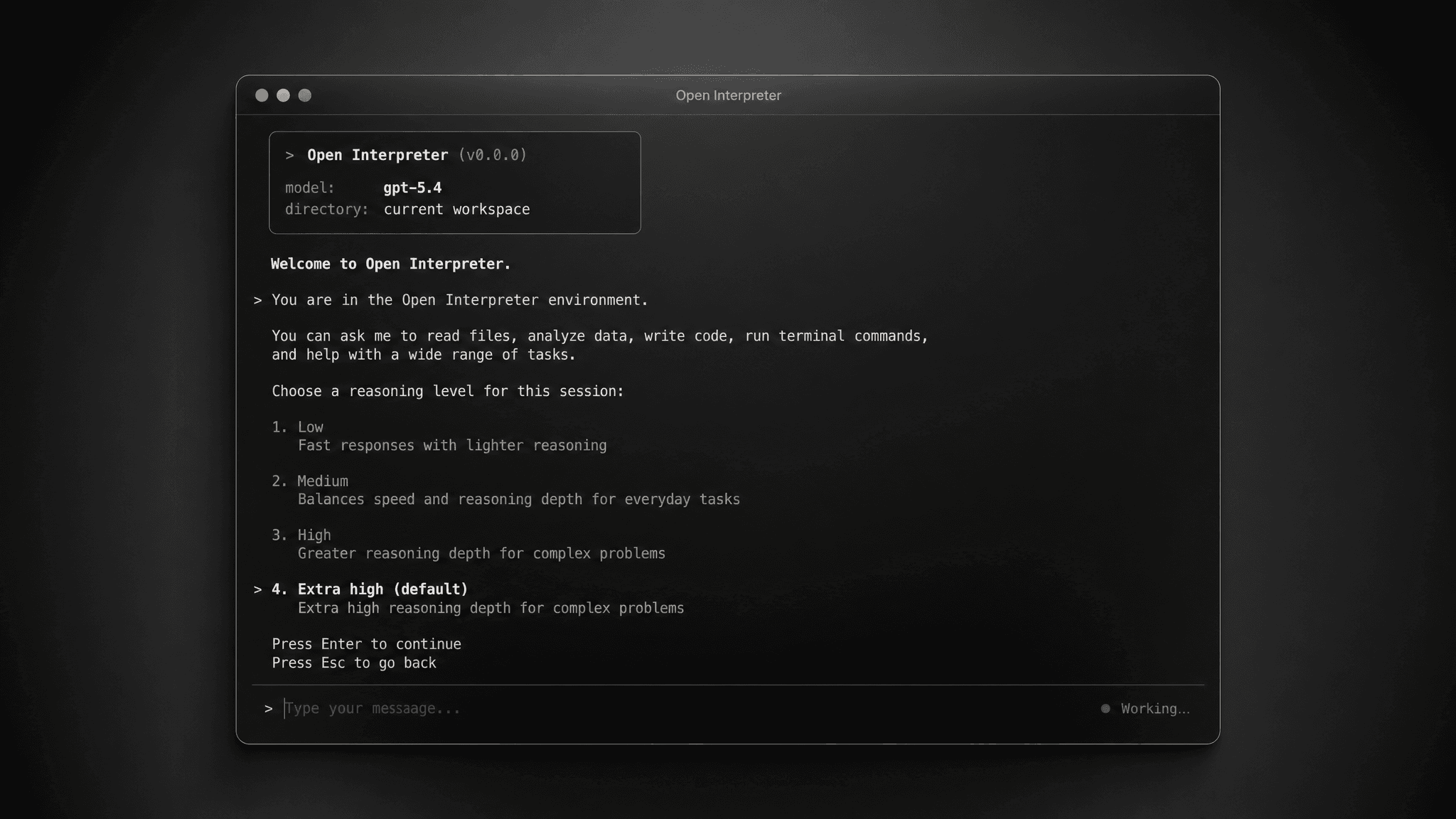
Works inside your project
Open a repository, ask for a change, and review the edits before they land.
Runs with guardrails
Sandbox and approval modes decide what the agent can do without asking.
Bring your own model
Use OpenAI, Anthropic, local models, or any compatible provider from one terminal UI.
From prompt to patch
The CLI is built for work that needs real project context: changing code, inspecting files, running checks, and keeping long sessions resumable.
- 1Install the interpreter command
- 2Choose a model and provider
- 3Ask it to read files, edit code, or run commands
- 4Approve the changes you want to keep